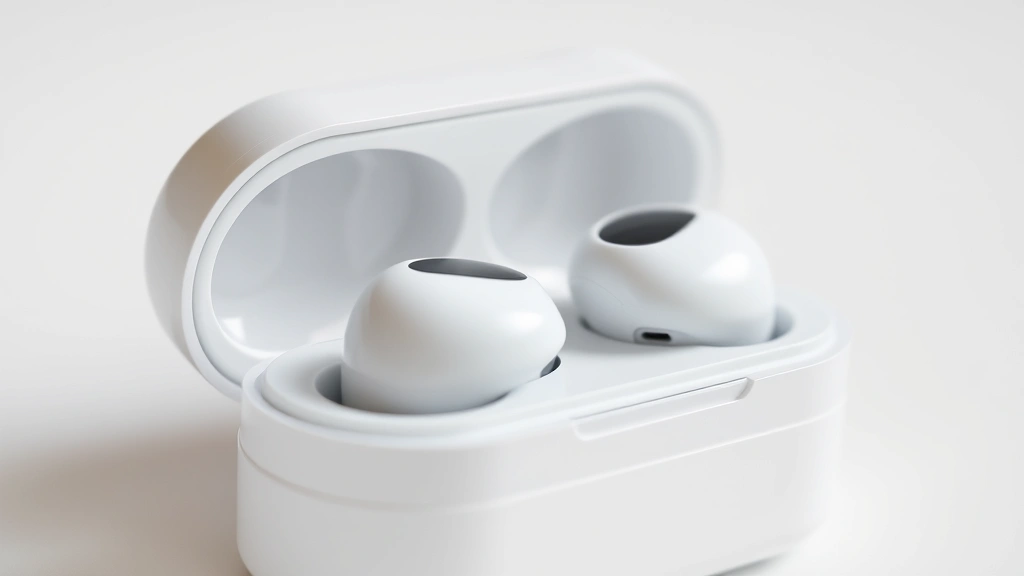
Look, I get it—you’re tired of earbuds that either sound like they’re playing music underwater or cost more than your rent. But here’s the thing: finding that sweet spot between quality, comfort, and price isn’t actually impossible anymore. The wireless earbud market has exploded in the last few years, and while there’s definitely a lot of noise to cut through (pun intended), there are some genuinely impressive options out there that won’t leave you feeling like you made a terrible financial decision.
Whether you’re a fitness enthusiast who needs something that’ll stay put during your morning run, a commuter looking for active noise cancellation without the premium price tag, or just someone who wants solid audio for everyday listening, there’s probably something in this space that’ll tick your boxes. The technology has gotten so good that you don’t need to drop $300+ to get something that actually sounds great and works reliably. Let me walk you through what’s actually worth your attention right now.

What’s Actually Different Now
Five years ago, wireless earbuds were kind of a gamble. You’d either get something that sounded mediocre but worked fine, or something that sounded decent but would disconnect randomly at the worst possible moment. The technology has matured significantly since then, and we’re at this interesting inflection point where even mid-range options are genuinely solid.
The biggest shift? Better codec support and more sophisticated Bluetooth implementations. Most modern earbuds now support higher-quality audio codecs like aptX or LDAC, which means you’re actually getting closer to lossless audio over a wireless connection. That’s huge if you care about music quality. Plus, manufacturers have gotten smarter about power management, so you’re not sacrificing battery life to get better sound.
Another thing that’s changed is the active noise cancellation technology. It used to be exclusive to expensive flagship models, but now you can find ANC in earbuds under $100. It’s not quite as aggressive as the premium stuff, but it’s genuinely useful for commutes and flights. The algorithms have improved too—they’re better at adapting to different noise types rather than just applying a blanket filter.
If you’re into gaming or watching videos, the latency improvements are game-changing (literally). Many newer earbuds have gaming modes that prioritize low-latency connections, so you’re not sitting there watching someone’s lips move while the audio catches up two seconds later. It’s those quality-of-life improvements that make the current market so much better than it was even a couple years ago.
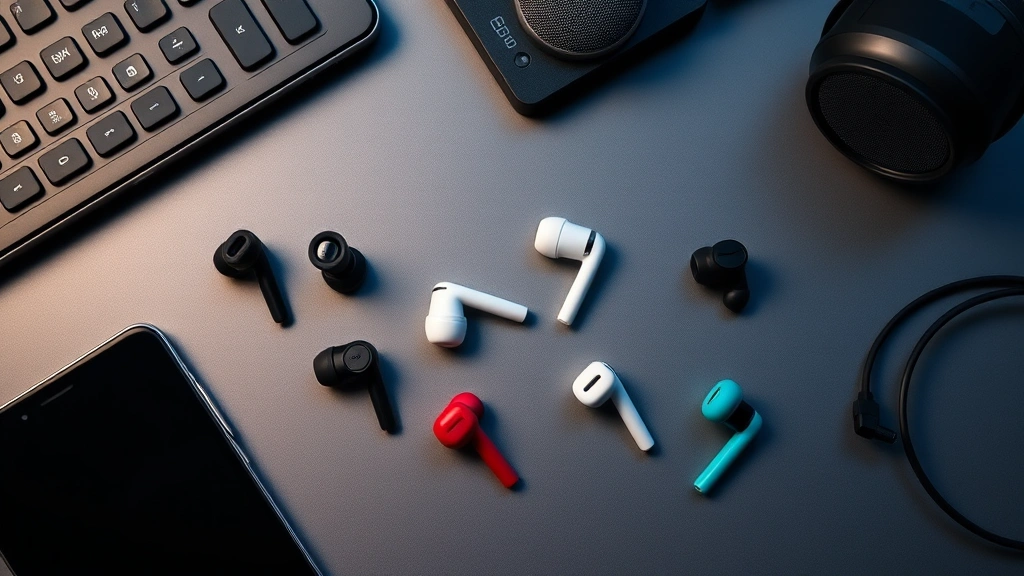
Sound Quality Matters More Than You Think
Here’s where people usually get it wrong: they think sound quality is this mysterious thing that only audiophiles care about. Not true. Good sound quality just means the music sounds good to you—whether that’s punchy bass, crisp highs, or a balanced profile that doesn’t make your ears hurt after an hour.
The physics of earbud audio is actually pretty interesting. You’ve got these tiny drivers (usually 5-12mm) doing the heavy lifting, and they’re working in a sealed chamber right in your ear canal. That proximity means even small design tweaks make a noticeable difference. The shape of the earbud, the material of the driver, the acoustic design of the housing—it all matters.
When you’re evaluating sound quality, listen for a few specific things. First, clarity in the midrange—that’s where vocals and most instruments live. If mids sound muddy or recessed, the whole track feels off. Second, bass response. Good bass doesn’t mean boomy or overwhelming; it means controlled and present. You should feel it without it drowning out everything else. Third, how the highs sound. Crisp is good; harsh and fatiguing is bad. If you find yourself turning down the volume after 20 minutes because your ears hurt, that’s a red flag.
The coolest part? You can actually test this stuff before you buy. Most retailers have return policies, and if you’re ordering online, you’ve got at least 14-30 days to figure out if the sound signature works for you. Don’t just trust reviews—trust your own ears. Spend time with a pair before deciding they’re “the one.”
The Fit and Comfort Game
This might sound obvious, but I’m gonna say it anyway: if they don’t fit, nothing else matters. You could have the best-sounding earbuds on the planet, but if they fall out every time you move your head, they’re useless.
Most modern earbuds come with multiple ear tip sizes—usually small, medium, and large—and sometimes extra options. The goal is to get a seal that’s snug but not painful. A proper seal is what enables the bass response and active noise cancellation to actually work. If there’s a gap between the tip and your ear canal, you’re losing a lot of the low-frequency performance and the ANC effectiveness drops significantly.
Here’s a pro tip that actually works: if the included tips don’t fit right, don’t just assume the earbuds are bad. Third-party ear tips are genuinely worth exploring. Companies like Comply and Spinfit make aftermarket tips in different materials and shapes, and sometimes finding the right tip can completely transform your experience with a pair of earbuds.
Beyond the fit, think about the weight and design. Some earbuds are chunky and protrude a lot from your ear, which looks goofy and can be uncomfortable during longer listening sessions. Others sit flush and barely stick out. It’s a personal preference thing, but if you’re planning to wear these for 8+ hours a day, comfort absolutely matters.
One more thing: test them during activities. Wear them to the gym, on a walk, while doing dishes. See if they move around or feel unstable. Some earbuds are clearly designed for active use with stabilizer fins or wings; others are more casual. Know what you actually need before you commit.
Battery Life: Real Numbers, Real Talk
Marketing claims about battery life are often… optimistic. When a company says “8 hours of battery life,” they usually mean at moderate volume with no ANC and in ideal conditions. Real-world usage is messier.
Here’s what actually matters: the combination of earbud battery and case battery. Most earbuds give you 4-8 hours per charge, and the case holds 1-2 additional charges. So you’re looking at a total of 8-24 hours of listening before you need to plug anything in. For most people, that means charging the case every couple days, which is totally reasonable.
Active noise cancellation drains battery faster—sometimes by 20-30%. If you’re using ANC all day, expect to see those battery numbers drop. Same thing if you’re listening at higher volumes. That’s just physics; there’s no way around it.
The real question is: does the battery life match your actual usage pattern? If you commute 2 hours a day and listen at work, you probably need 6-8 hours per charge minimum. If you’re mostly using them at home or for shorter bursts, 4 hours might be plenty. Be honest with yourself about what you actually need rather than chasing the highest number on the spec sheet.
Also, all lithium batteries degrade over time. After a year or two, you might notice the battery doesn’t last quite as long as it did when new. That’s normal and expected. What’s not normal is batteries that degrade rapidly (like losing 20% capacity in 3-4 months). That’s usually a sign of a manufacturing defect, and it’s worth getting a replacement under warranty.
Active Noise Cancellation and Other Features
ANC is one of those features that seems amazing in theory and then disappointing in reality if you have the wrong expectations. It doesn’t make everything silent—it reduces lower-frequency noise (like airplane engines, traffic, air conditioning) by up to 70-80%. Higher-frequency sounds (like someone talking in the next room) don’t get reduced as much.
The reason? Physics again. Lower frequencies have longer wavelengths, which makes them easier to cancel with the inverse audio signal. Higher frequencies are trickier. That’s why ANC is so effective on planes but less useful in a noisy office.
Beyond ANC, there are other features worth considering. Transparency mode or ambient mode lets you hear the outside world without taking the earbuds out—super useful for commuting or when someone’s trying to talk to you. Multipoint connectivity means you can connect to two devices at once and switch between them seamlessly. That’s genuinely convenient if you’re toggling between a phone and a laptop.
Some earbuds have gesture controls (tap or long-press to do things), which is nice when it works and annoying when it’s finicky. Others have voice assistant integration, which is hit-or-miss depending on how well they implemented it. The best approach is to look at the specific features and think about whether you’d actually use them, not just whether they sound cool.
For a deeper dive into how these features work together, check out The Verge’s earbud reviews—they do a solid job testing these features in real-world scenarios rather than just checking boxes on a spec sheet.
Budget Breakdown: What You’re Actually Paying For
Let’s talk money because that’s usually the deciding factor anyway. The earbud market basically breaks down into a few tiers, and understanding what you get at each price point helps you make a smarter decision.
Under $50: These are solid entry-level options. You’re getting decent sound, basic Bluetooth connectivity, and maybe 5-6 hours of battery. Don’t expect ANC or fancy features, but for casual listening, they work fine. The build quality is usually okay, and most come with basic warranties.
$50-$150: This is where things get interesting. You start seeing ANC, better sound quality, longer battery life, and more durable builds. Most of the “best value” recommendations fall in this range because you’re getting legitimate features without the premium tax. Mid-range earbuds in this category punch way above their weight.
$150-$300: Premium features and sound quality. Better ANC, superior drivers, more sophisticated noise cancellation algorithms, longer battery life, and often better build quality. You’re also paying for the brand reputation and the fact that the company probably invested more in R&D.
Over $300: Flagship territory. You’re getting the absolute best sound quality these companies can achieve, the most advanced ANC, premium materials, and usually some exclusive features. Whether it’s worth the extra money depends on how much you care about audio quality and whether you’re willing to pay for diminishing returns.
Here’s my honest take: the best value for most people is probably in the $80-150 range. You get real features, solid sound, and you’re not overpaying for the brand name. The jump from $50 to $100 earbuds is significant; the jump from $200 to $300 is much smaller.
If you want to dig deeper into what manufacturers are charging for and whether it’s justified, Wirecutter’s earbud guide breaks down the pricing logic pretty well.
FAQ
How do I know if I’m getting a good deal on wireless earbuds?
Compare specs across brands at similar price points, read actual user reviews (not just the marketing copy), and check return policies. If you can test them before committing, that’s ideal. Look for sales around major shopping events, but don’t buy something just because it’s on sale if it doesn’t match what you actually need.
Are expensive earbuds always better?
Not necessarily. There’s a point of diminishing returns where you’re paying more for minor improvements or brand prestige. A $120 pair might be 90% as good as a $300 pair for sound quality, but the $300 pair might have better ANC or a more durable build. It depends on what you value.
How long do wireless earbuds typically last?
The battery usually degrades noticeably after 1-2 years, but the earbuds themselves can last 3-5 years if you take care of them. That said, if something breaks, repairs are often not worth it—it’s usually cheaper to buy new ones. This is why warranty coverage matters.
Can I use wireless earbuds for phone calls?
Yes, most have built-in mics, but call quality varies. Generally, they work fine for quick calls in quiet environments but aren’t ideal for important business calls in noisy settings. The mic picks up ambient noise more easily than a dedicated headset would.
What’s the difference between ANC and passive noise isolation?
Passive isolation is just the physical seal blocking sound from entering your ear—it’s like putting in earplugs. ANC actively cancels noise by generating inverse sound waves. ANC is more effective on low-frequency noise, while passive isolation works across all frequencies but depends on fit.
Should I buy wireless earbuds if I have hearing aids?
Some newer hearing aids are compatible with standard wireless earbuds, but many aren’t. Check with your audiologist first. There are also hearing aid-specific wireless options, though they tend to be pricier. Don’t assume compatibility without confirming.


