The Ultimate Guide to Smart Home Gadgets That Actually Work
Look, I’ve been down the smart home rabbit hole—and I mean deep. I’ve got devices talking to other devices, apps controlling apps, and enough Wi-Fi connectivity issues to write a dissertation on frustration. But here’s the thing: when you find the right smart home gadgets, they genuinely make life easier. Not gimmicky, not needlessly complicated, but actually useful. That’s what we’re hunting for today.
The smart home market’s absolutely exploded, and honestly? It’s overwhelming. There are hundreds of products claiming to be the “must-have” device for your connected home, but most of them are just solving problems you didn’t know you had. I’ve tested enough of these things to know what’s worth your money and what’s destined for a drawer somewhere. Let’s talk about the gadgets that actually deliver.
Smart Speakers: The Hub Everything Needs
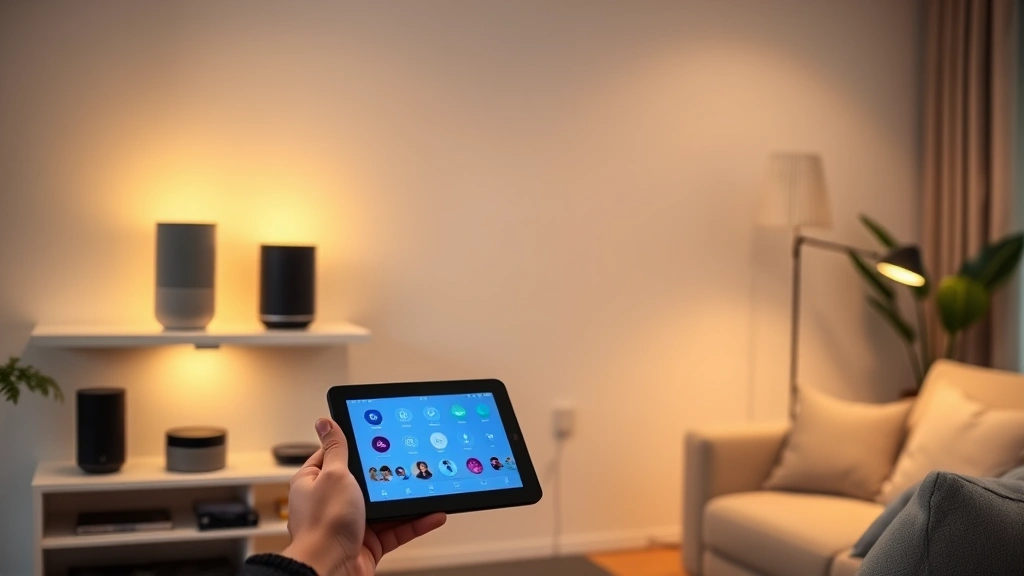
Before you buy literally any other smart device, you need a smart speaker. I know that sounds like I’m pushing a specific ecosystem, but hear me out—these things are genuinely the command center for everything else. They’re your voice interface, your music player, your information source, and the device that ties all your other gadgets together.
The Amazon Echo ecosystem dominates for a reason. The original Echo and its various iterations (Echo Dot, Echo Show) are absurdly affordable and ridiculously compatible with third-party devices. You can control basically anything that’s smart-home-enabled through Alexa. The Echo Dot is my pick if you’re just starting out—it’s cheap, it works great, and you don’t need the fancy speaker quality if you’re mainly using it for voice commands. But if you actually want decent audio quality, the full-size Echo sounds legitimately good.
Google Home is the alternative, and honestly? It’s better at answering questions and understanding natural language. Google’s AI is sharper, and if you’re already in the Google ecosystem (Gmail, Google Calendar, that sort of thing), it integrates more seamlessly. The Nest Audio is their budget option and holds its own against the Echo Dot. The Nest Hub Max adds a screen, which is genuinely useful for video calls and seeing weather/calendar info at a glance.
Apple’s HomePod mini is the underdog here, and it’s actually pretty solid if you’re in the Apple ecosystem. It’s more expensive than the competition, but Siri’s gotten way better, and the privacy focus is legit. The sound quality is excellent, too. The catch? It’s less compatible with non-Apple devices, so you’re kind of locked in.
Pro tip: start with one speaker in your main living area. Once you’ve got that working smoothly, you can add more to different rooms. You don’t need speakers everywhere—just the places where voice control actually makes sense.
Smart Lighting That’s Actually Smart
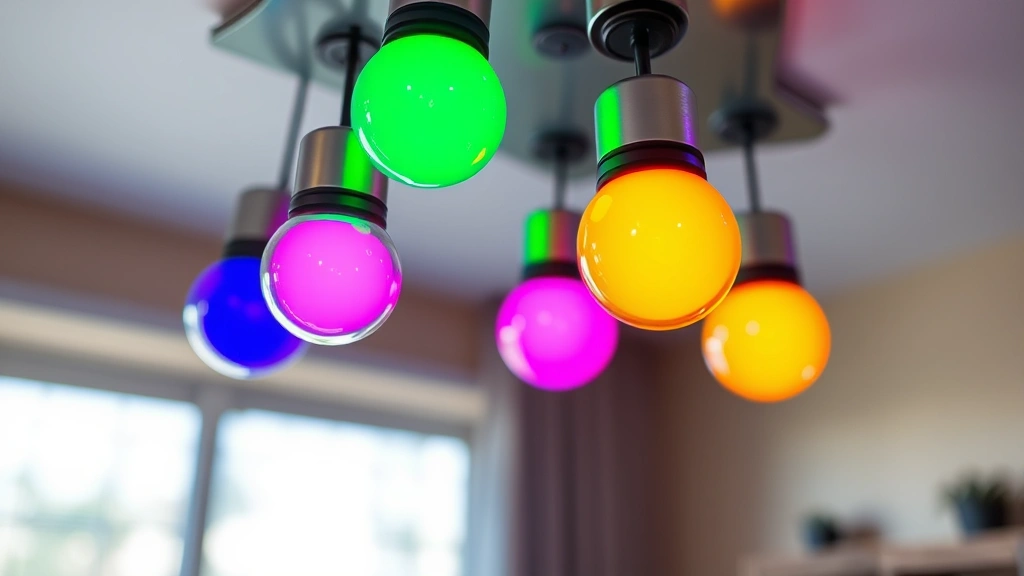
Smart bulbs are where things get fun. This is where you can actually see smart home tech making a tangible difference in your daily life. We’re talking about dimming lights with your voice, setting them to warm colors at night to not mess with your sleep, and automating entire lighting scenes with a single button.
Philips Hue is the gold standard here, and while they’re pricey, they’re worth it. The color range is incredible, the app is intuitive, and they work with basically every smart home platform. You can create schedules, set up automations, and sync lights to music. The starter kits are reasonable—you get a few bulbs and the bridge (which you need for full functionality). Fair warning: you do need that bridge, and it’s an extra cost. But it’s worth it for reliability.
LIFX bulbs are a solid alternative that don’t require a separate bridge—they connect directly to your Wi-Fi. This makes setup easier, though they’re slightly less reliable in my experience. They’re also a bit cheaper than Hue, which is nice. The color quality is nearly as good, and they work with all the major platforms.
Wyze smart bulbs are the budget option, and honestly? For the price, they’re impressive. They’re not as full-featured as Hue, but they do colors, dimming, and automation just fine. If you’re just testing the waters or you don’t need fancy features, these are a no-brainer.
Here’s my honest take: don’t go all-in on smart bulbs immediately. Pick one room, get some bulbs, live with them for a month, and see if you actually use the features. Some people love the automation; others just use them to turn lights on and off (which, let’s be real, is what a regular switch does). But when you find the right use case—like warm lighting at night to help your sleep schedule—it clicks.
Security Cameras Worth Installing
Security cameras are no longer optional if you care about home safety. The technology’s gotten way better, way cheaper, and way more user-friendly. You can literally buy a solid security camera for less than a fancy dinner out.
Wyze Cam v3 is my favorite budget option. For under $40, you get 1080p video, night vision, two-way audio, and cloud storage with free 14-day rolling storage. The app is clean, the setup is painless, and it actually works. This is the camera I’d recommend to anyone just starting with home security. Check out The Verge’s tech reviews for more comprehensive camera comparisons.
Eufy cameras are excellent if you want privacy—they store footage locally instead of the cloud, which means fewer privacy concerns. The eufyCam series is pricey but incredibly reliable. You get good video quality, long battery life, and solid night vision. The trade-off is that you’re managing storage yourself.
Ring cameras (Amazon’s brand) are everywhere, and there’s a reason—they’re convenient and they work well. The Ring Stick Up Cam is flexible enough to mount almost anywhere, and the integration with other Amazon devices is seamless. You will need a Ring Protect subscription for cloud storage though, which adds to the cost.
Reolink is another solid option for people who want professional-grade equipment without the professional-grade price tag. Their cameras are durable, have excellent night vision, and the video quality is sharp. They’re especially good if you need to cover larger areas.
Honestly, start with one camera covering your main entry point (front door or back patio). Once you see how useful it is, you can expand. Most people end up with 2-3 cameras covering key areas.
Smart Thermostats and Climate Control
This is where smart home tech actually saves you money. A good smart thermostat learns your schedule, adjusts temperatures automatically, and can cut your heating/cooling costs noticeably. I’m talking 10-15% savings in many cases, which adds up fast.
Nest Learning Thermostat is the classic choice. It learns your schedule, adjusts itself automatically, and the interface is gorgeous. It’s pricey, but the energy savings usually justify it within a year or two. The app is excellent, and it integrates beautifully with other Google Home devices.
Ecobee SmartThermostat is my personal preference. It’s slightly cheaper than Nest, it has a built-in speaker (so you get voice control without needing a separate device), and it’s equally smart about learning patterns. The remote sensors are a nice touch—you can monitor temperature in multiple rooms and make sure the thermostat balances things out.
Honeywell Home T9 is another solid option that doesn’t get enough attention. It’s reliable, has remote sensors, and works with all major platforms. It’s usually cheaper than Nest or Ecobee too.
The budget option is Wyze Thermostat, which is surprisingly capable for the price. You won’t get all the fancy learning features, but basic scheduling and remote control work great.
Real talk though: make sure your HVAC system is compatible before buying. Not all thermostats work with all systems. Check your current thermostat wiring and verify compatibility—most manufacturers have compatibility checkers on their websites.
Smart Plugs and Power Management
Smart plugs are underrated. These little gadgets plug into your outlets and let you control whatever’s plugged into them remotely. Coffee maker, fans, holiday lights, humidifiers—anything with a plug becomes smart-controllable.
Wyze Smart Plug is my go-to. It’s tiny, cheap, and works flawlessly. You get power monitoring (so you can see how much energy whatever you’ve plugged in is using), scheduling, and voice control. For the price, it’s unbeatable.
TP-Link Kasa Smart Plug is slightly more expensive but incredibly reliable. The app is intuitive, the build quality feels solid, and power monitoring is more detailed than Wyze. If you need something rock-solid, this is it.
Eve Energy Plug is the premium option if you’re in the Apple ecosystem. It’s pricey, but the HomeKit integration is seamless and the power monitoring is extremely detailed. You can see real-time power draw down to the watt.
Here’s a pro tip: use smart plugs for things that waste power in standby mode. Your TV, your gaming console, your printer—these things draw power even when “off.” A smart plug lets you cut that power completely when you’re not using them. Over a year, that adds up.
Video Doorbells and Entry Sensors
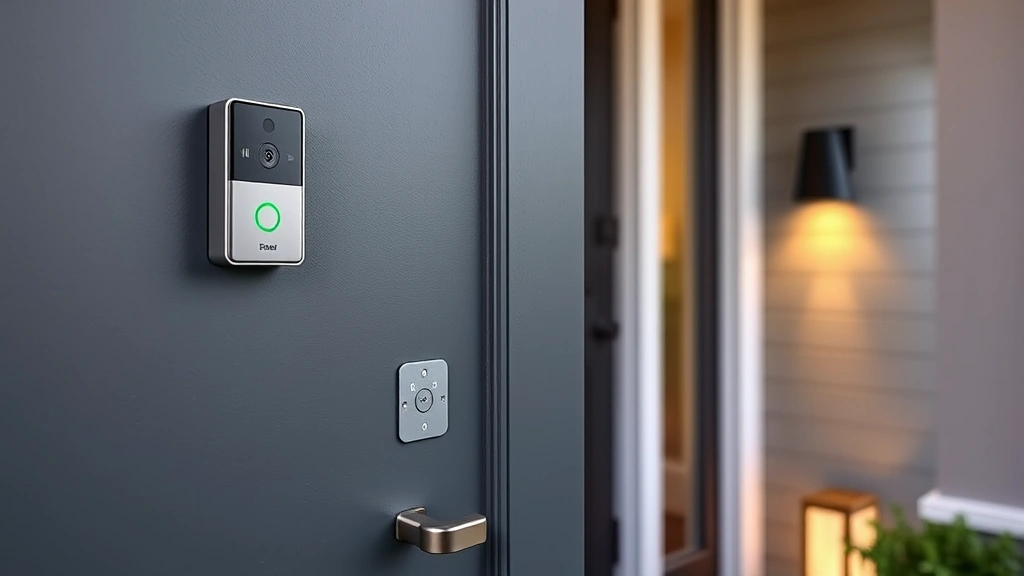
A video doorbell is honestly one of the most useful smart home devices you can install. You’ll use it every single day, and it genuinely improves home security and convenience.
Ring Video Doorbell 4 is the most popular, and for good reason. The video quality is excellent, the motion detection is reliable, and the two-way audio lets you talk to people at your door from anywhere. Installation is straightforward if you have existing doorbell wiring. The Ring Protect subscription is necessary for cloud storage though.
Logitech Circle View Wired is an excellent alternative with better video quality and no subscription required for basic cloud storage. Setup is slightly more involved, but the results are worth it. For more detailed comparisons, check CNET’s smart home coverage.
Wyze Video Doorbell is the budget option and it’s legitimately impressive. You get solid video, motion detection, and two-way audio for a fraction of the price of Ring. The trade-off is slightly lower resolution, but it’s still very usable.
Eufy Video Doorbell is great if you want local storage—footage saves to the device itself, so you don’t rely on cloud subscriptions. It’s more private and more independent from internet connectivity.
Pair your video doorbell with smart entry sensors (like door/window sensors that send alerts when opened) and you’ve got legitimate security coverage. These sensors are cheap—usually under $20 each—and they’re one of the easiest smart home devices to install.
FAQ
Do I need a smart home hub?
It depends on your setup. If you’re using Amazon Alexa, the Echo itself acts as a hub. Google Home devices work without a separate hub for most functions. If you’re using HomeKit (Apple), you’ll need an Apple TV, HomePod, or iPad as a hub for full functionality. Some devices like Philips Hue need their own bridge. Check before you buy.
Are smart home devices secure?
Security varies by device and manufacturer. Look for devices with strong encryption, regular security updates, and reputable companies. Avoid super cheap devices from unknown brands. Use strong passwords, enable two-factor authentication where available, and keep your Wi-Fi secure. It’s not perfect, but it’s manageable.
Do smart home devices work if your internet goes down?
Not fully. Cloud-based controls won’t work without internet. Local control (devices on your home network) might still function, but you’ll lose remote access. Some devices with local storage (like certain Eufy cameras) continue recording. It’s something to consider, especially if internet reliability is an issue where you live.
What’s the best smart home platform?
There’s no single “best” option. Amazon Alexa has the most device compatibility. Google Home has better AI and natural language understanding. Apple HomeKit is most private but more limited. Pick based on what ecosystem you’re already in and what devices you want to use. Many devices work with multiple platforms anyway.
How much should I expect to spend?
You can start with a smart speaker ($30-100) and add from there. A basic setup with speaker, a few smart bulbs, and a thermostat might run $200-400. Full home automation with cameras, sensors, and multiple devices could be $1000+. Start small, expand gradually, and only buy what you’ll actually use.
Can I mix devices from different brands?
Yes, usually. Most devices work with multiple platforms (Alexa, Google Home, HomeKit). Some are exclusive to one platform. Check compatibility before buying. The more devices you have from the same ecosystem, the better integration you’ll get though.


